 系统组件
系统组件
1. 常用组件
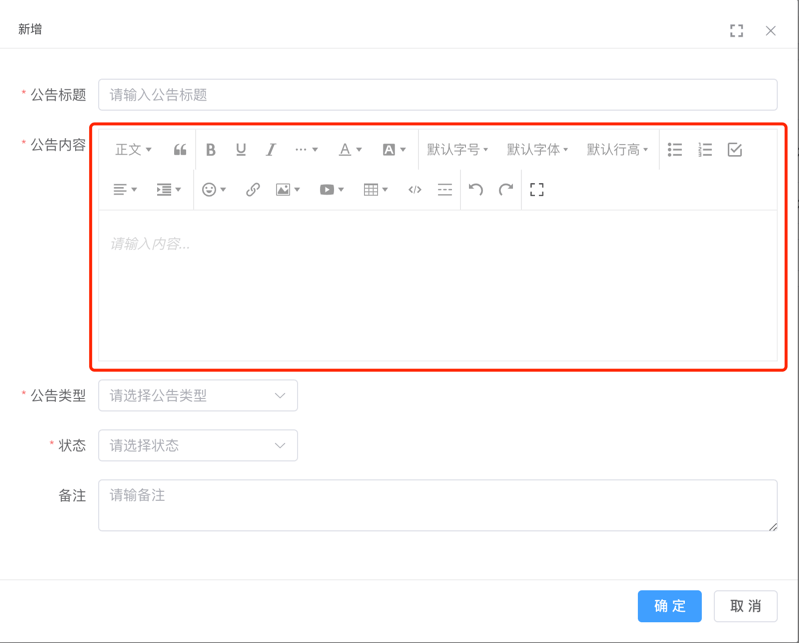
1.1 Editor 富文本组件
基于 wangEditor (opens new window) 封装
- Editor 组件:位于 src/components/Editor (opens new window) 内
- 详细文档:vue-element-plus-admin-doc/components/editor.html (opens new window)
- 实战案例:src/views/system/notice/NoticeForm.vue (opens new window)
1.2 Dialog 弹窗组件
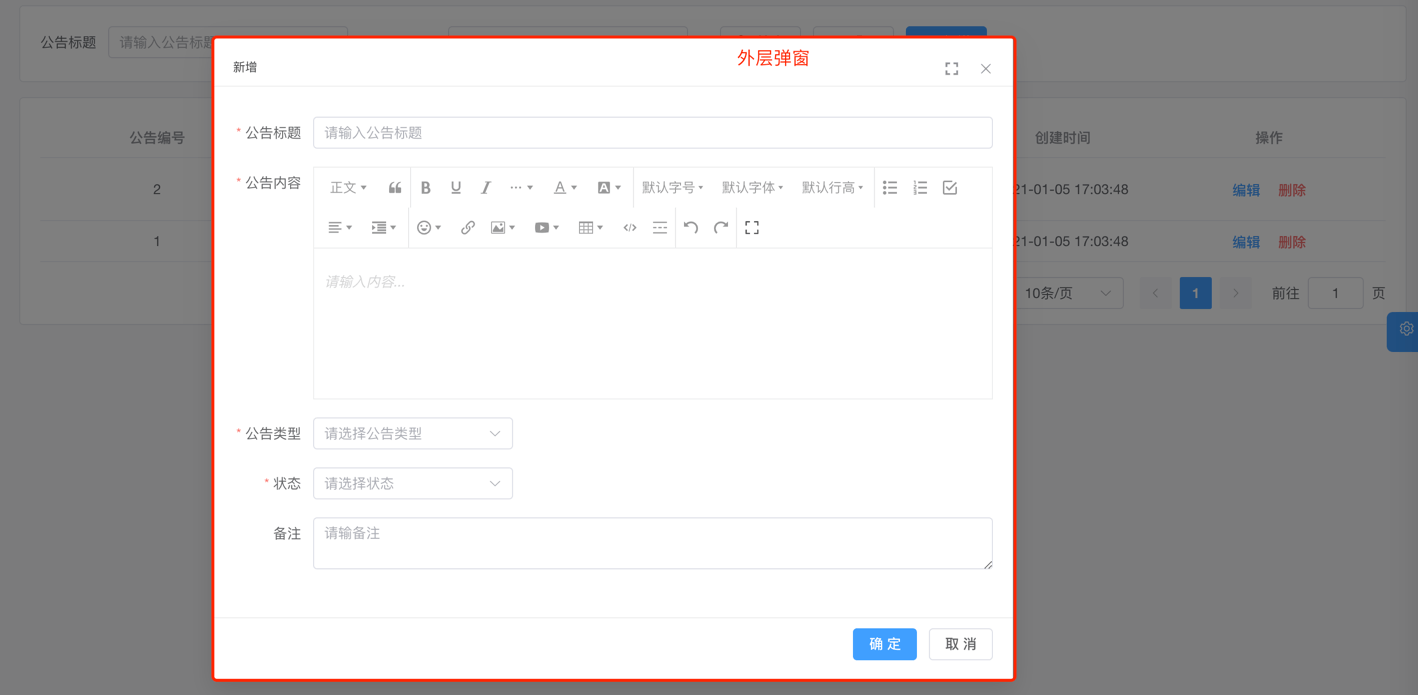
对 Element Plus 的 Dialog 组件进行封装,支持最大化、最大高度等特性
- Dialog 组件:位于 src/components/Dialog (opens new window) 内
- 详细文档:vue-element-plus-admin-doc/components/dialog.html (opens new window)
- 实战案例:src/views/system/dept/DeptForm.vue (opens new window)
1.3 ContentWrap 包裹组件
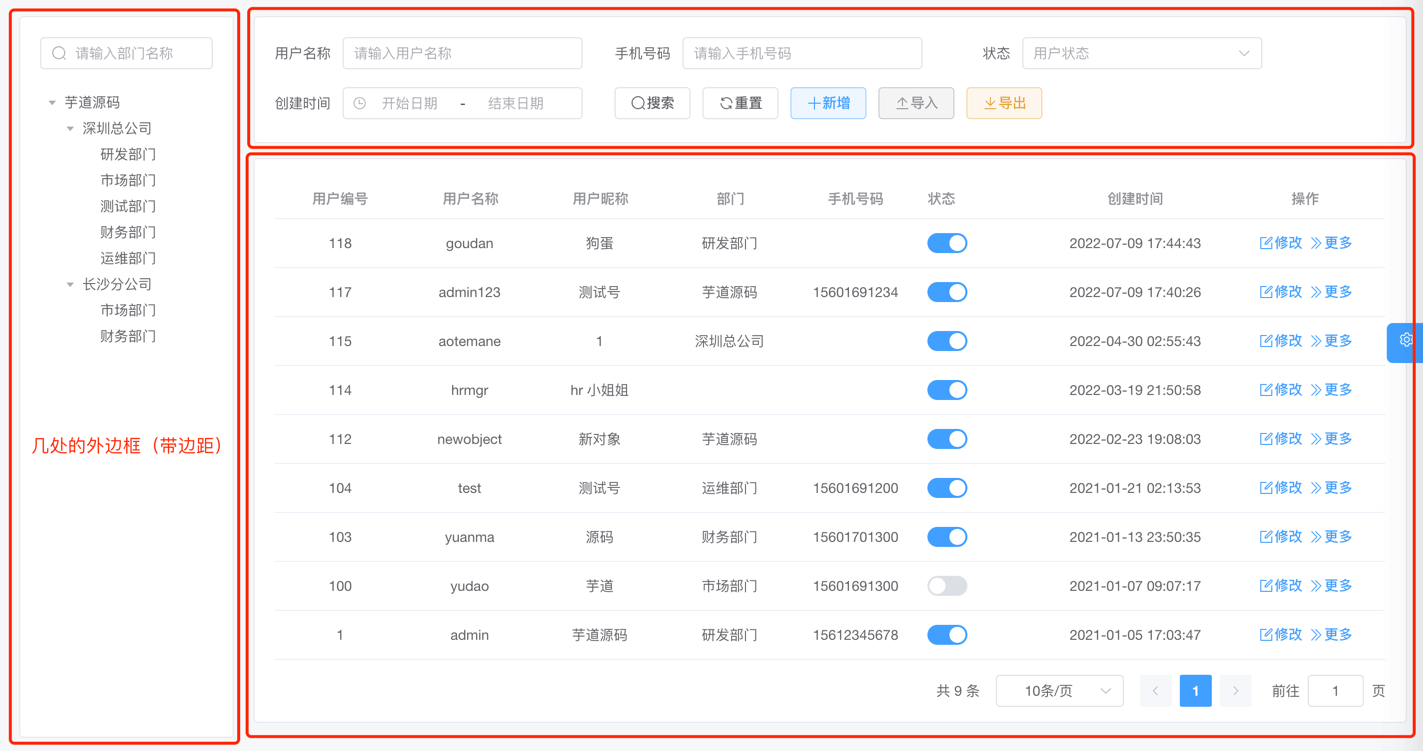
对 Element Plus 的 ElCard 组件进行封装,自带标题、边距
- ContentWrap 组件:位于 src/components/ContentWrap (opens new window) 内
- 实战案例:src/views/system/post/index.vue (opens new window)
1.4 Pagination 分页组件
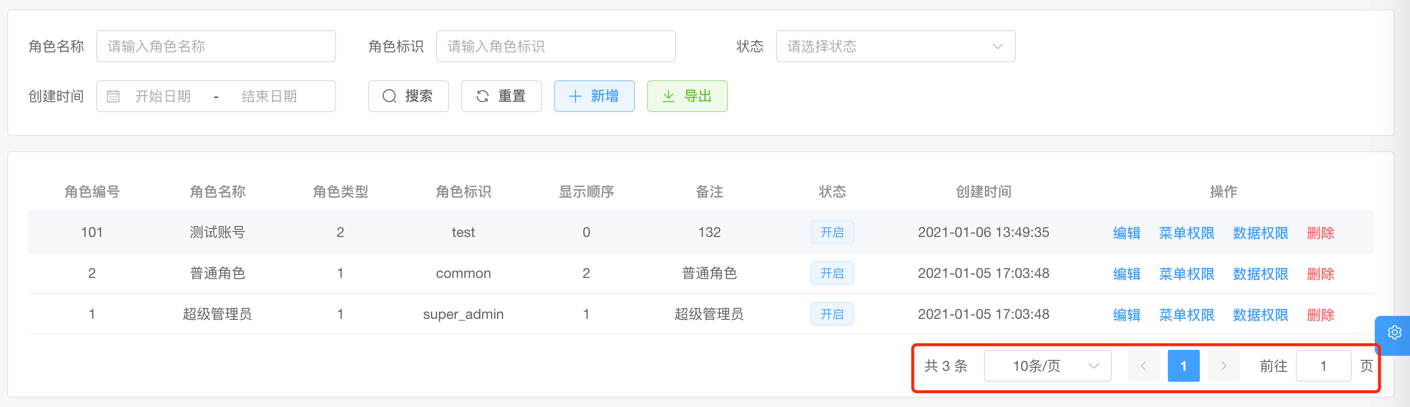
对 Element Plus 的 Pagination (opens new window) 组件进行封装
- Pagination 组件:位于 src/components/Pagination (opens new window) 内
- 实战案例:src/views/system/post/index.vue (opens new window)
1.5 UploadFile 上传文件组件
对 Element Plus 的 Upload (opens new window) 组件进行封装,上传文件到文件服务
- UploadFile 组件:位于 src/components/UploadFile/src/UploadFile.vue (opens new window) 内
- 实战案例:暂无
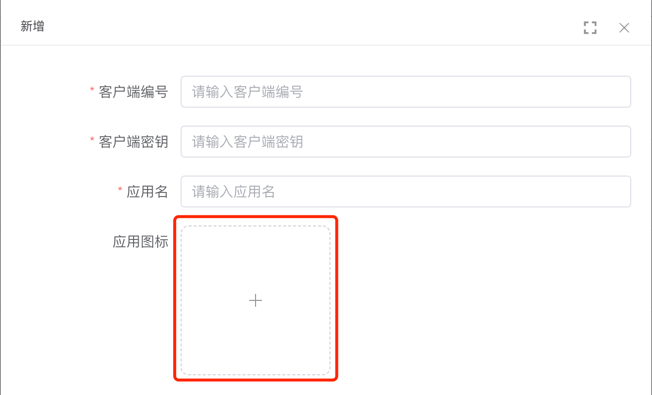
1.6 UploadImg 上传图片组件
对 Element Plus 的 Upload (opens new window) 组件进行封装,上传图片到文件服务
- UploadImg 组件:位于 src/components/UploadFile/src/UploadImg.vue (opens new window) 内
- 实战案例:src/views/system/oauth2/client/ClientForm.vue (opens new window)
2. 不常用组件
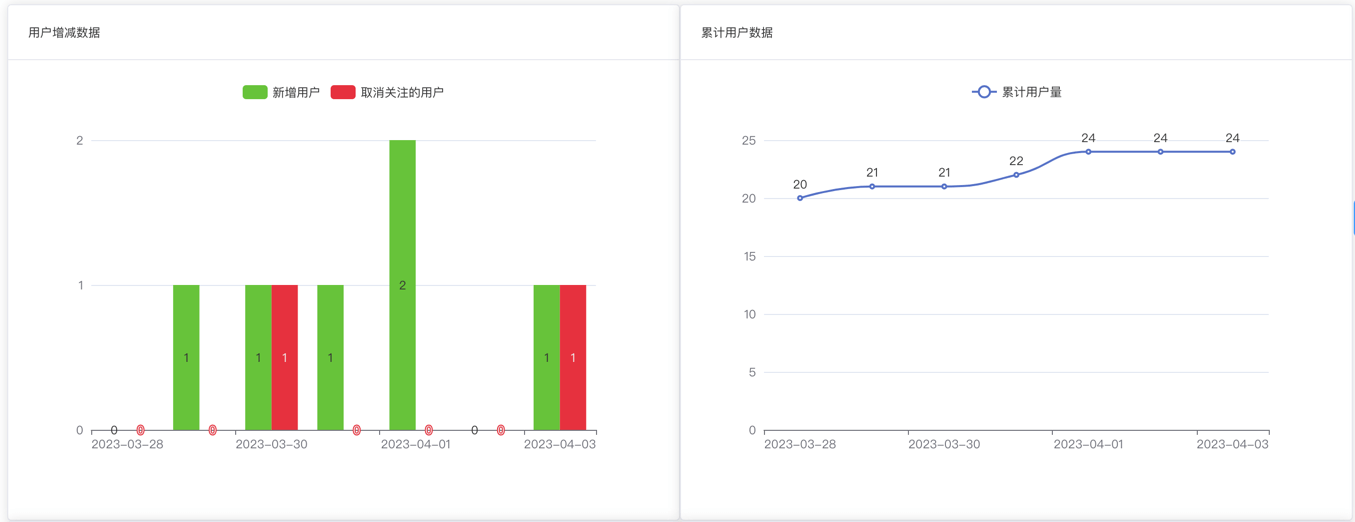
2.1 EChart 图表组件
基于 Apache ECharts (opens new window) 封装,自适应窗口大小
- EChart 组件:位于 src/components/EChart (opens new window) 内
- 详细文档:vue-element-plus-admin-doc/components/echart.html (opens new window)
- 实战案例:src/views/mp/statistics/index.vue (opens new window)
2.2 InputPassword 密码输入框
对 Element Plus 的 Input 组件进行封装
- InputPassword 组件:位于 src/components/InputPassword (opens new window) 内
- 详细文档:vue-element-plus-admin-doc/components/input-password.html (opens new window)
- 实战案例:src/views/Profile/components/ResetPwd.vue (opens new window)
2.3 ContentDetailWrap 详情包裹组件
用于展示详情,自带返回按钮。
- ContentDetailWrap 组件:位于 src/components/ContentDetailWrap (opens new window) 内
- 详细文档:vue-element-plus-admin-doc/components/content-detail-wrap.html (opens new window)
- 实战案例:暂无
2.4 ImageViewer 图片预览组件
将 Element Plus 的 ImageViewer (opens new window) 组件函数化,通过函数方便创建组件
- ImageViewer 组件:位于 src/components/ImageViewer (opens new window) 内
- 详细文档:vue-element-plus-admin-doc/components/image-viewer.html (opens new window)
- 实战案例:暂无
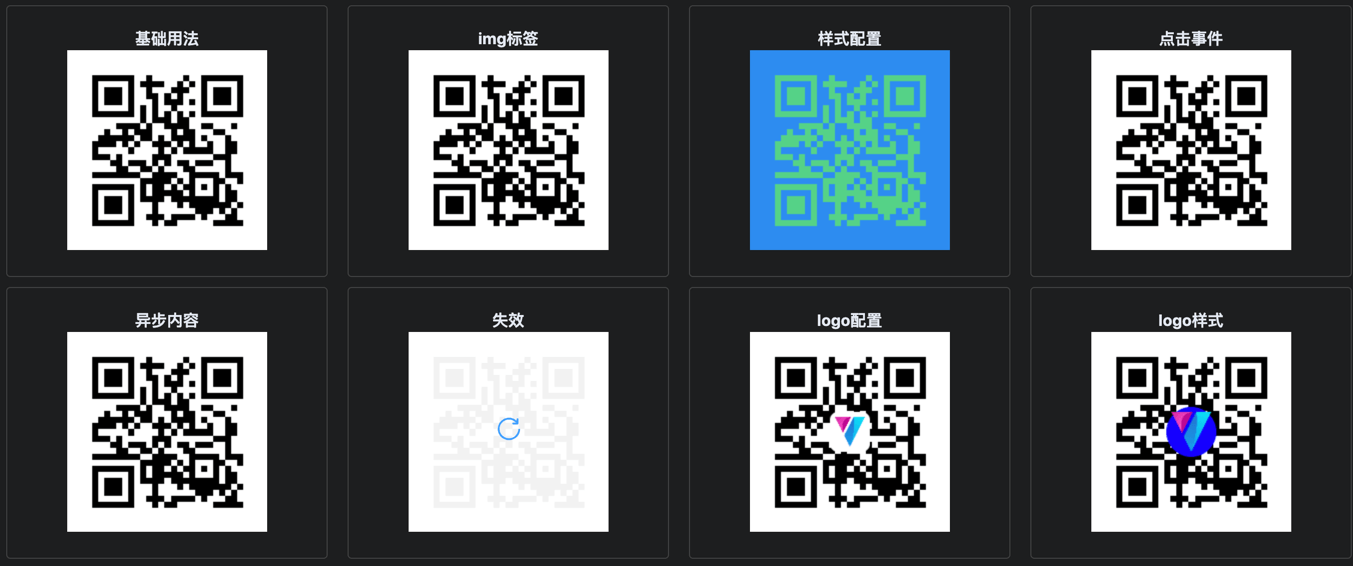
2.5 Qrcode 二维码组件
基于 qrcode (opens new window) 封装
- Qrcode 组件:位于 src/components/Qrcode (opens new window) 内
- 详细文档:vue-element-plus-admin-doc/components/qrcode.html (opens new window)
- 实战案例:暂无
2.6 Highlight 高亮组件
- Highlight 组件:位于 src/components/Highlight (opens new window) 内
- 详细文档:vue-element-plus-admin-doc/components/highlight.html (opens new window)
- 实战案例:暂无

2.6.1 Infotip 信息提示组件
基于 Highlight 组件封装
- Infotip 组件:位于 src/components/Infotip (opens new window) 内
- 详细文档:vue-element-plus-admin-doc/components/infotip.html (opens new window)
- 实战案例:暂无

2.7 Error 缺省组件
用于各种占位图组件,如 404、403、500 等错误页面。
- Error 组件:位于 src/components/Error (opens new window) 内
- 详细文档:vue-element-plus-admin-doc/components/error.html (opens new window)
- 实战案例:403.vue (opens new window)、404.vue (opens new window)、500.vue (opens new window)
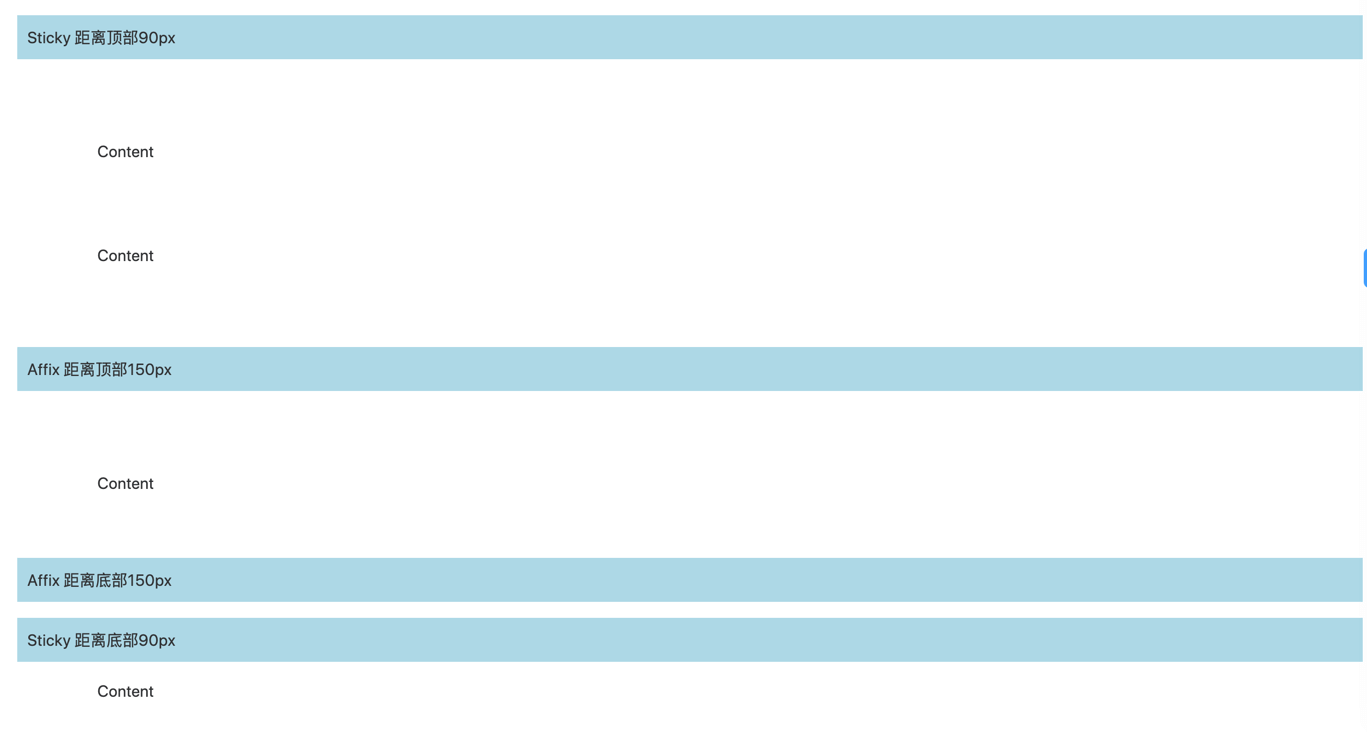
2.8 Sticky 黏性组件
- Sticky 组件:位于 src/components/Sticky (opens new window) 内
- 详细文档:vue-element-plus-admin-doc/components/sticky.html (opens new window)
- 实战案例:暂无
2.9 CountTo 数字动画组件
- CountTo 组件:位于 src/components/CountTo (opens new window) 内
- 详细文档:vue-element-plus-admin-doc/components/count-to.html (opens new window)
- 实战案例:暂无
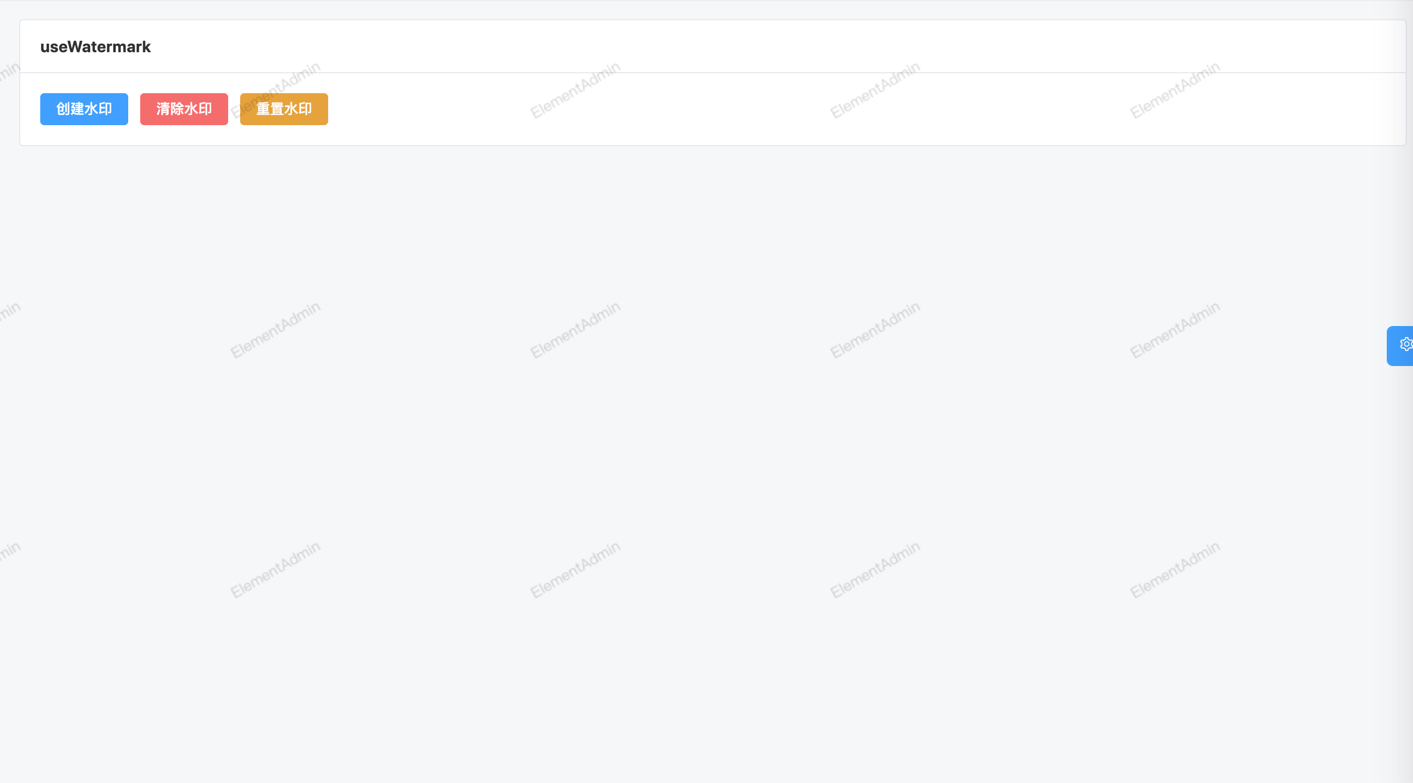
2.10 useWatermark 水印组件
为元素设置水印
- useWatermark 组件:位于 src/hooks/web/useWatermark.ts (opens new window) 内
- 详细文档:vue-element-plus-admin-doc/hooks/useWatermark.html (opens new window)
- 实战案例:暂无
2.11 form-create 动态表单生成器
详细文档:http://www.form-create.com/ (opens new window)
① 实战案例 - 表单设计:src/views/infra/build/index.vue (opens new window)
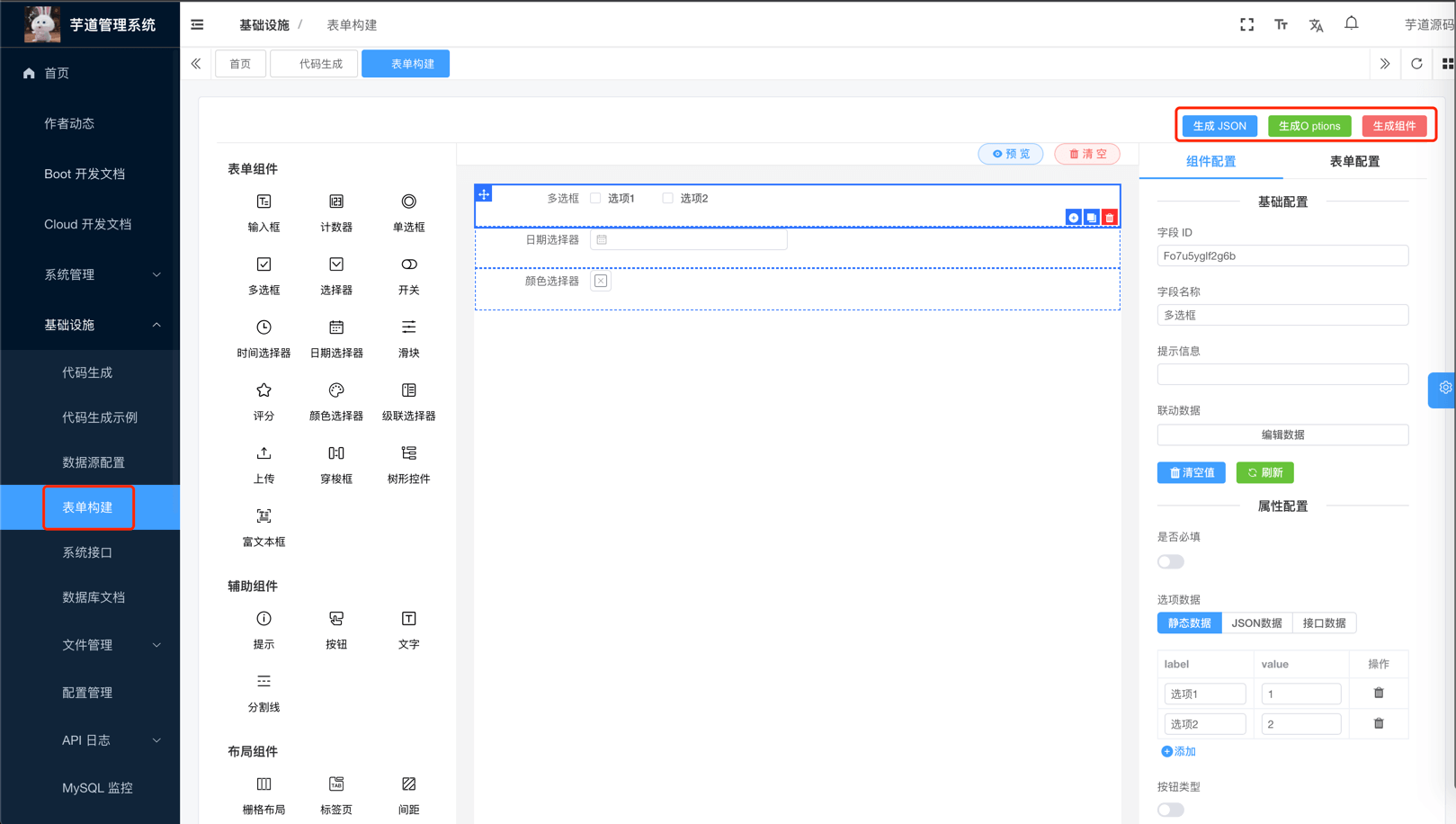
② 实战案例 - 表单展示:src/views/bpm/processInstance/detail/index.vue (opens new window)

2.12 bpmn-js 工作流组件
核心是基于 bpmn-js (opens new window) 封装
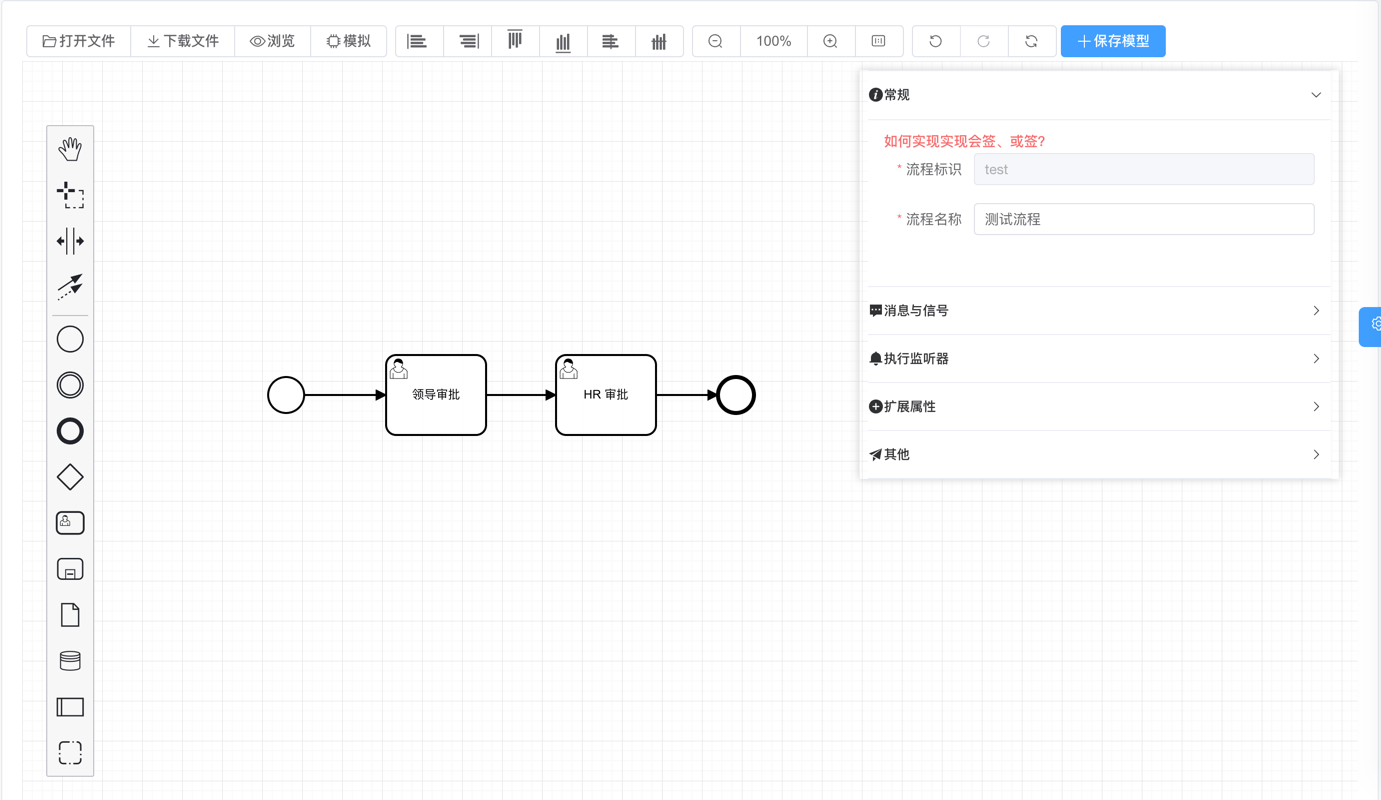
2.12.1 MyProcessDesigner 流程设计组件
- MyProcessDesigner 组件:位于 src/components/bpmnProcessDesigner/package/designer/index.ts (opens new window) 内,基于 https://gitee.com/MiyueSC/bpmn-process-designer (opens new window) 项目适配
- 实战案例:src/views/bpm/model/form/editor/index.vue (opens new window)
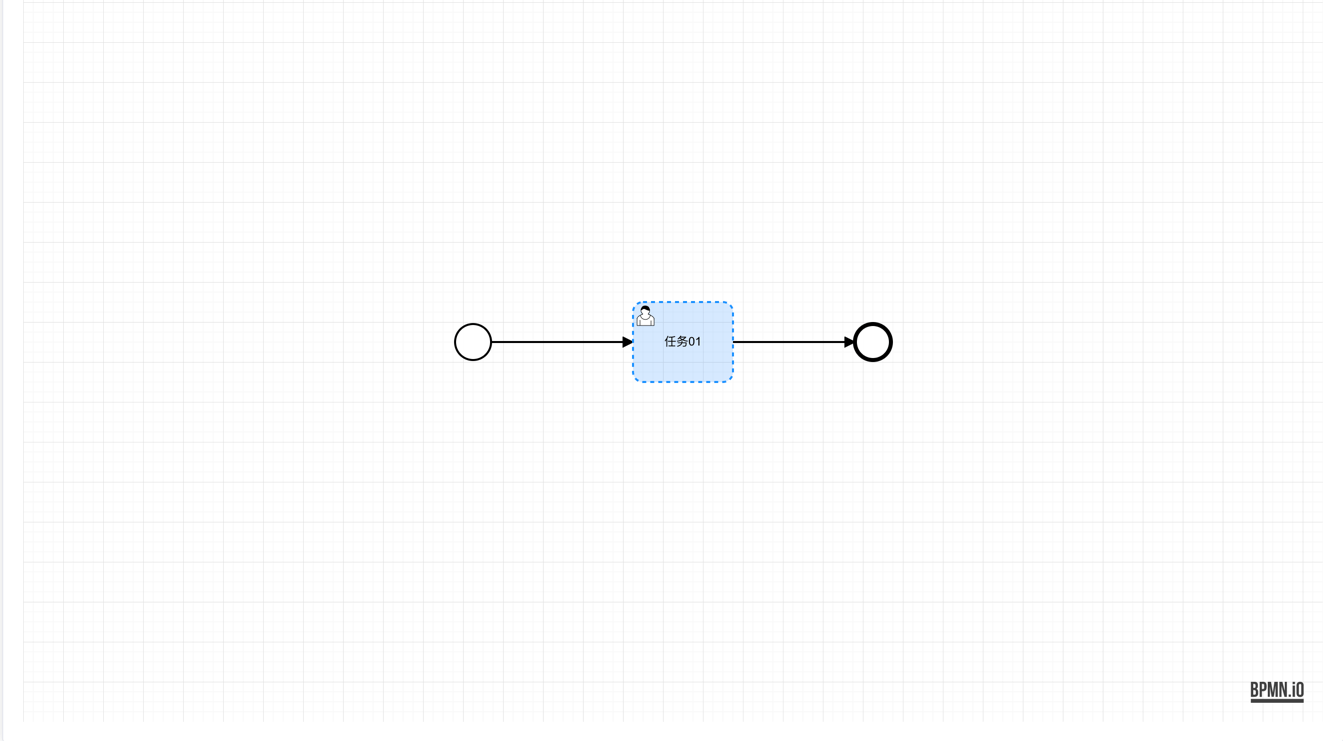
2.12.2 MyProcessViewer 流程展示组件
- MyProcessViewer 组件:位于 src/components/bpmnProcessDesigner/package/designer/index2.ts (opens new window) 内
- 实战案例:src/views/bpm/processInstance/detail/ProcessInstanceBpmnViewer.vue (opens new window)
3. 组件注册
友情提示:
该小节,基于 《vue element plus admin —— 组件注册 》 (opens new window) 的内容修改。
组件注册可以分成两种类型:按需引入、全局注册。
3.1 按需引入
项目目前的组件注册机制是按需注册,是在需要用到的页面才引入。
<script setup lang="ts">
import { ElBacktop } from 'element-plus'
import { useDesign } from '@/hooks/web/useDesign'

const { getPrefixCls, variables } = useDesign()

const prefixCls = getPrefixCls('backtop')
</script>

<template>
  <ElBacktop
    :class="`${prefixCls}-backtop`"
    :target="`.${variables.namespace}-layout-content-scrollbar .${variables.elNamespace}-scrollbar__wrap`"
  />
</template>
注意:tsx 文件内不能使用全局注册组件,需要手动引入组件使用。
3.2 全局注册
如果觉得按需引入太麻烦,可以进行全局注册,在 src/components/index.ts (opens new window),添加需要注册的组件。
以 Icon 组件进行了全局注册,举个例子:
import type { App } from 'vue'
import { Icon } from './Icon'

export const setupGlobCom = (app: App<Element>): void => {
  app.component('Icon', Icon)
}
如果 Element Plus 的组件需要全局注册,在 src/plugins/elementPlus/index.ts (opens new window) 添加需要注册的组件。
以 Element Plus 中只有 ElLoading 与 ElScrollbar 进行全局注册,举个例子:
import type { App } from 'vue'

// 需要全局引入一些组件,如 ElScrollbar,不然一些下拉项样式有问题
import { ElLoading, ElScrollbar } from 'element-plus'

const plugins = [ElLoading]

const components = [ElScrollbar]

export const setupElementPlus = (app: App) => {
  plugins.forEach((plugin) => {
    app.use(plugin)
  })

  components.forEach((component) => {
    app.component(component.name, component)
  })
}